
Bear Web Clipper
Highlight any web page on your Mac and save the text as a Bear note, or add it to one.

What is the best Bear web clipper?
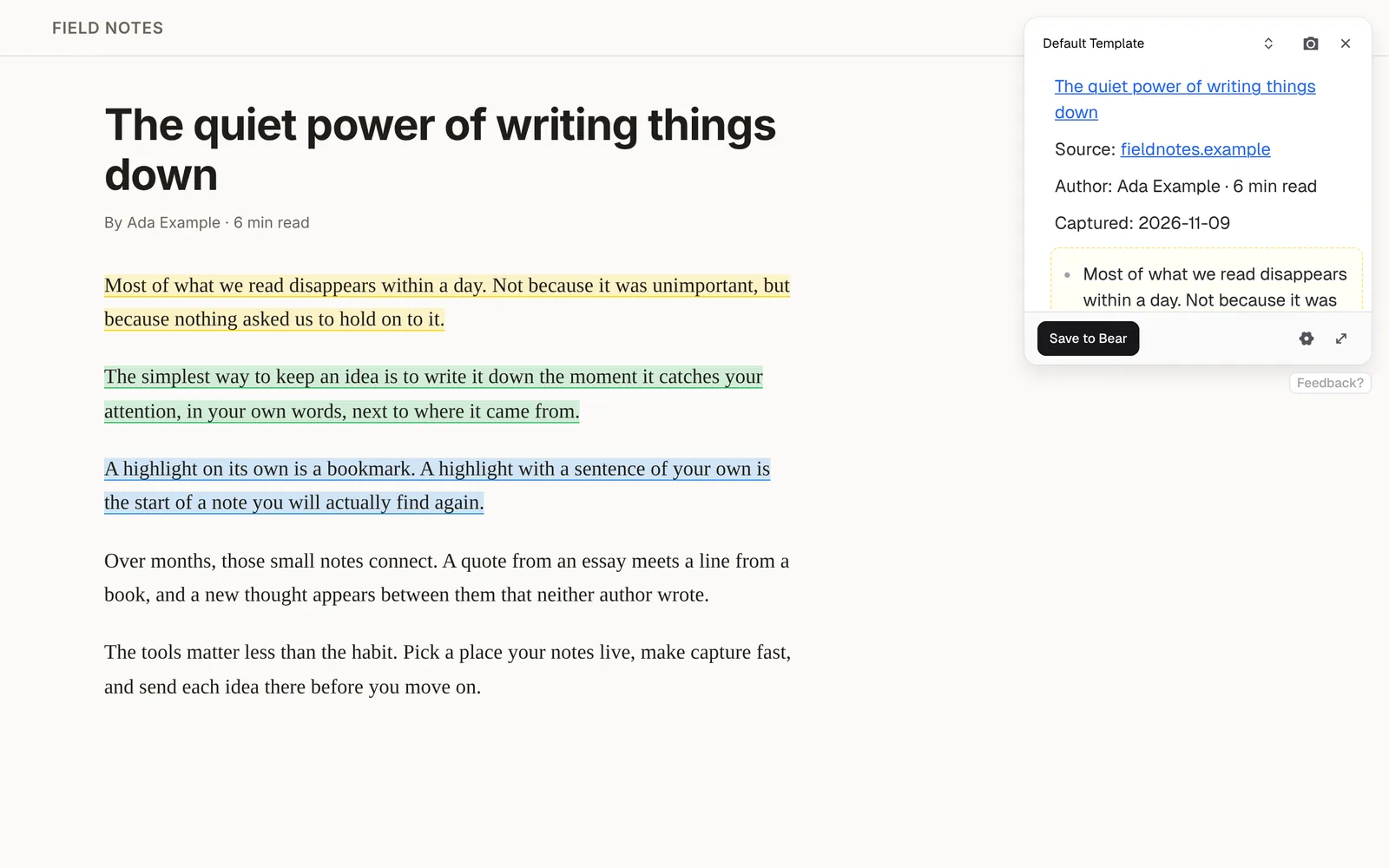
Bear Web Clipper is Bear's own clipper. Markway is a Bear web clipper for the text you highlight. You highlight in five colours, check the Markdown note beside the page, and send that note to Bear. The free plan works in Chrome, Edge, Brave, Arc, and Firefox.
How the Bear Web Clipper works
Highlight in colour
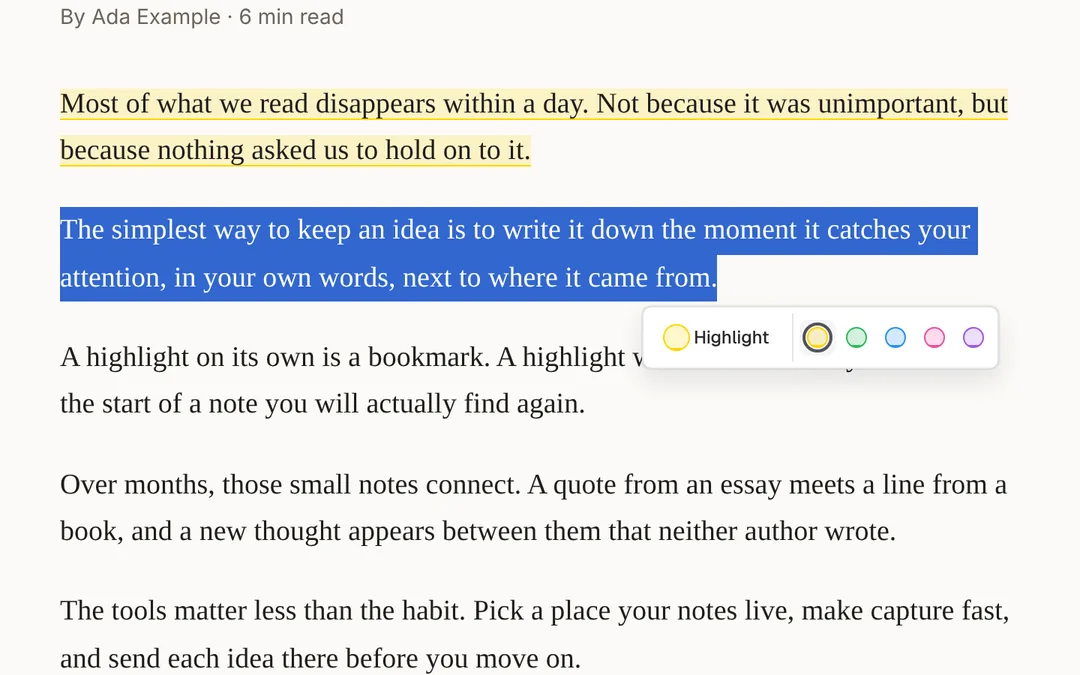
Select text on any page and highlight it in one of five colours. Your highlights stay on the page when you come back.
Check the note
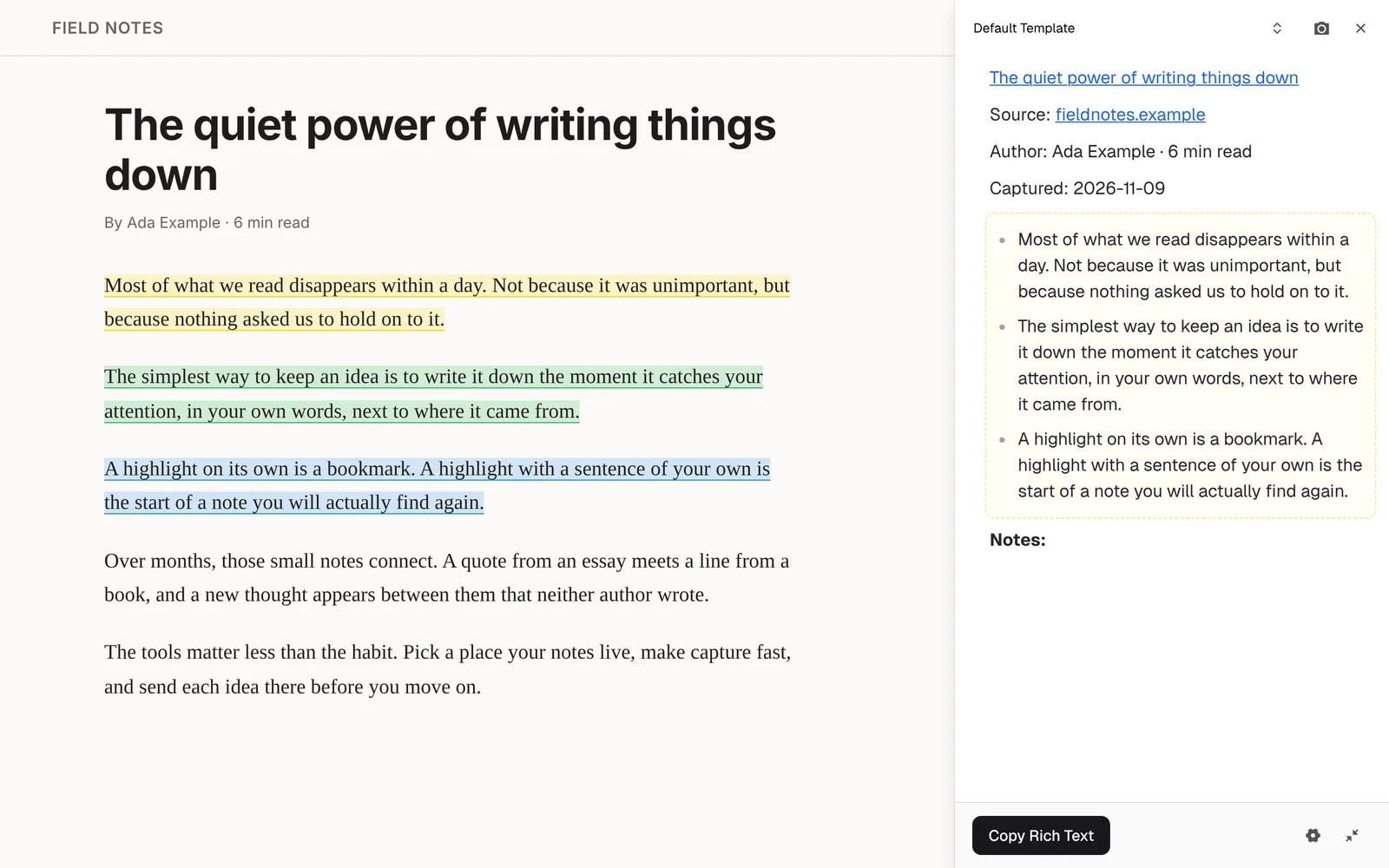
Markway turns your highlights into a note with the title, link and date. Add a thought of your own beside the page.
Send it to Bear
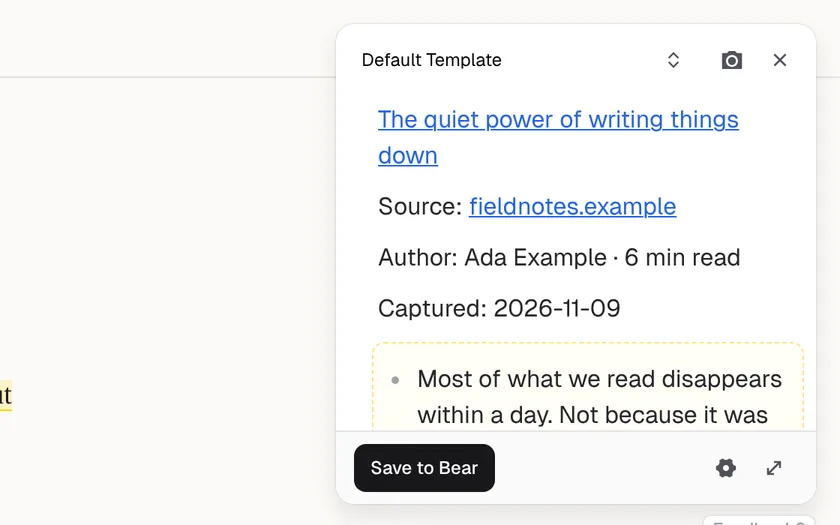
Send the note to Bear from the template.
What Markway does in Bear
Send to Bear
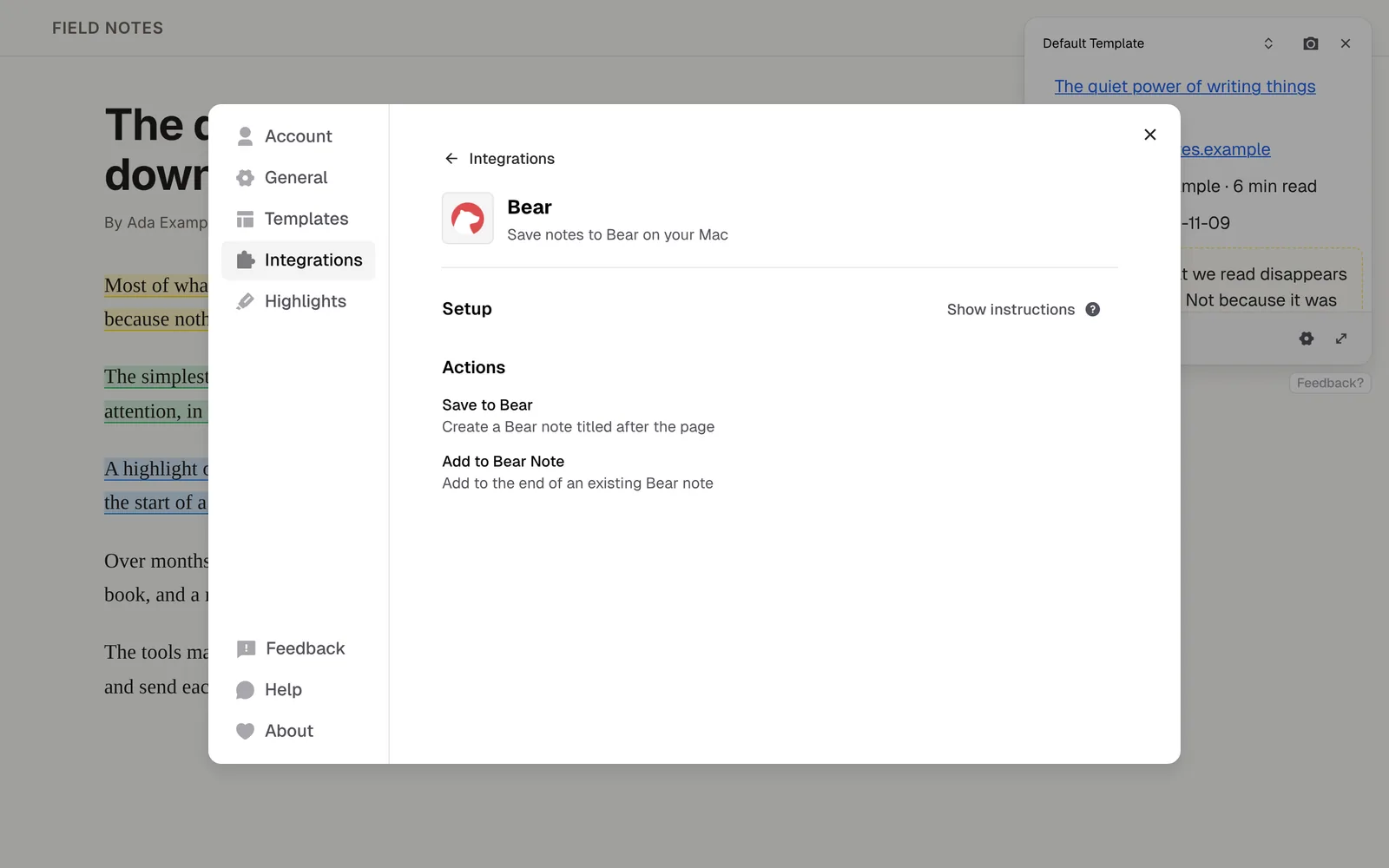
- Save to Bear creates a new note titled after the page.
- Add to Bear Note appends your highlights to the end of an existing note you name.
- Bear stays in the background, so you stay on the page. Very long notes go through the clipboard.
- Mac only.
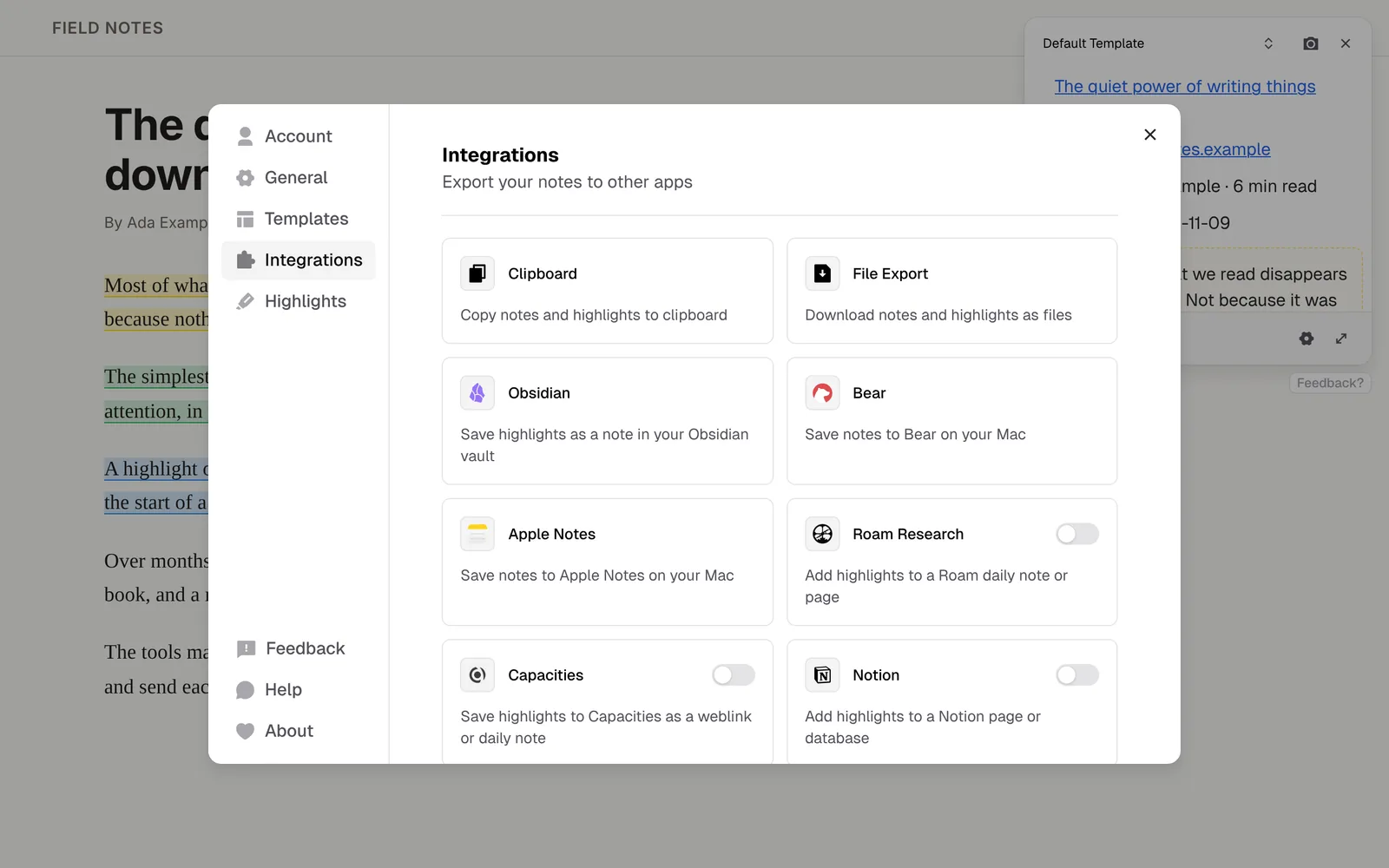
The same extension also sends to your other apps, copies Markdown or rich text, and downloads .md files.
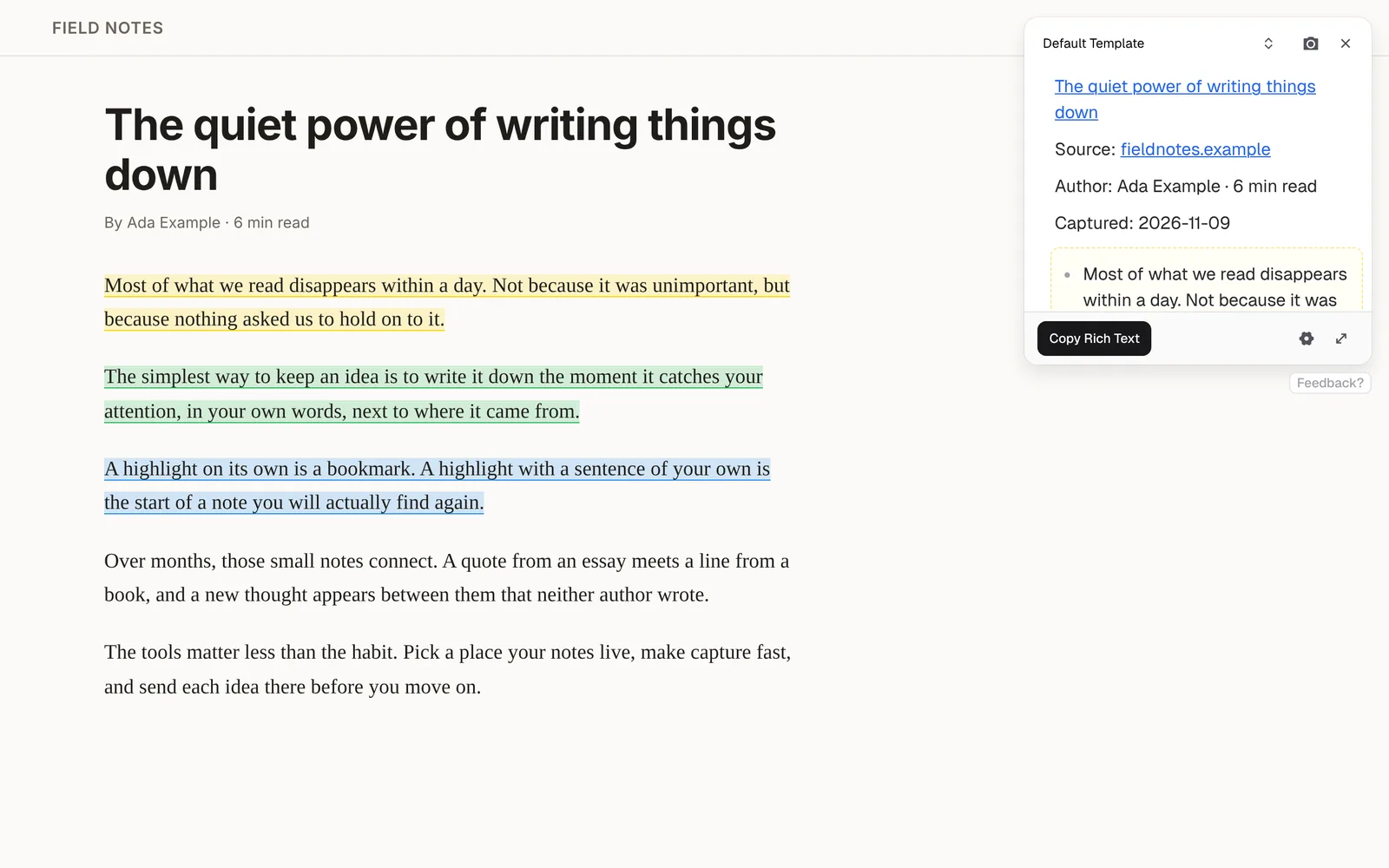
Five highlight colours
Mark quotes in one colour and ideas in another as you read. Every colour is free. Pro templates can group your highlights by colour in the note.
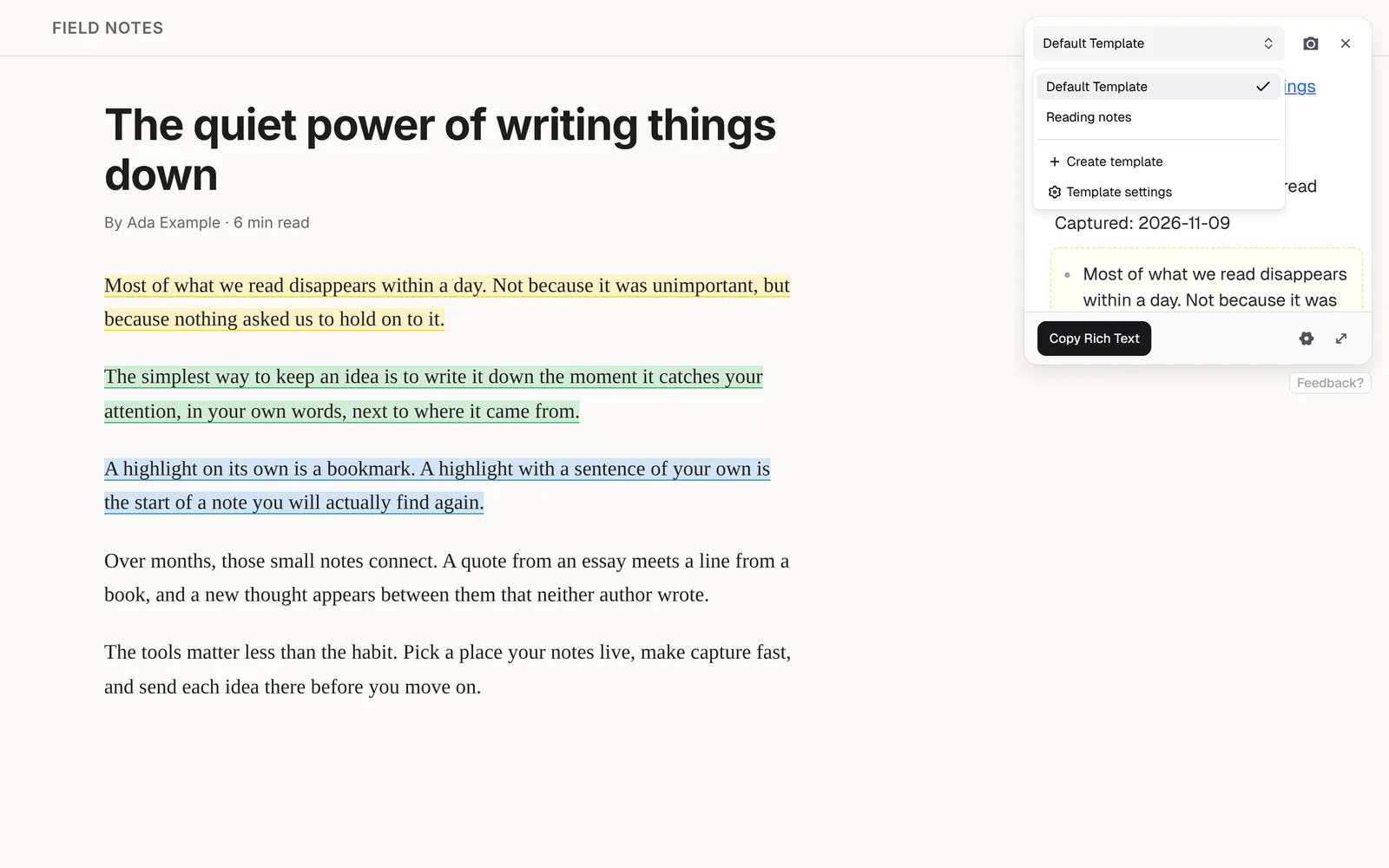
A template for each kind of reading
Keep a template for each kind of reading, such as papers, articles, or docs, and switch in the widget. Free includes 2.
How to set up the Bear Web Clipper
Install Bear on your Mac and open it once.
Pick Save to Bear or Add to Bear Note in a template. For Add to Bear Note, enter the title of the note to add to.
Highlight a page and send the note. The first time, allow your browser to open Bear.
Looking for a Bear Web Clipper alternative?
Bear Web Clipper is Bear's own extension for Safari, Chrome and Firefox. Since version 2.0 it clips pages on your device, without remote servers.
Bear Web Clipper
Pick Bear Web Clipper to save whole web pages into Bear.
Markway
Pick Markway to save only the text you highlight, edit the note before it's saved, or add it to a Bear note you already have.
Markway is an independent extension, not made by or affiliated with Bear.
Questions & answers
No. Markway opens Bear through its bear:// link and saves the note in the background. The first time, your browser asks to open Bear; allow it.
Only on a Mac, in Chrome or Firefox, with the Bear app installed. Bear isn't listed on Windows or Linux.
Yes. Add to Bear Note appends your highlights on a new line at the end of a note you name.
Yes. Bear is available in Markway today.
Yes. Sending to Bear is part of Markway's free plan. Pro adds unlimited templates, AI prompts and PDF highlighting.
More web clipper integrations
Highlight any web page and save the text as a Markdown note in your Obsidian vault.
Highlight text on any web page and send it to a Notion page or database.
Highlight any web page and add the text to your Roam daily note or any page.
Highlight any web page and append the text to your Logseq journal or a page.
Save the page you're reading to Readwise Reader, together with your highlights and notes.
Highlight any web page and add the text to your Tana inbox or any node.
Highlight any web page and add it to Reflect: the page link on today's daily note in Reflect Open, or your highlights in Reflect Classic.
Save web pages to Capacities as weblinks with your highlights, or add them to your daily note.
Highlight any web page and save the text as a new object in your Anytype space.
Highlight any web page on your Mac and save the text as a formatted note in Apple Notes.
Highlight any web page and save the text as bullets in Workflowy, under your Inbox, a node you choose, or today.
Sign in to Craft and save web highlights as a document or on today's daily note.
Save web highlights to RemNote with your RemNote login, or add them to today's Daily Document from the desktop app.
Highlight any web page and save the text as a note in Evernote.
Highlight any web page and save the text as a Heptabase card or in today's journal.















Send the next highlight to Bear
Install it, open any article, and press ⌥X (Alt+M on Windows and Linux).